The IRota module in eHubt helps you create, manage, and forecast employee work schedules with ease. Whether you're handling shifts for a small team or an entire department, IRota gives you full control over who’s working, when, and where — all from one simple interface.
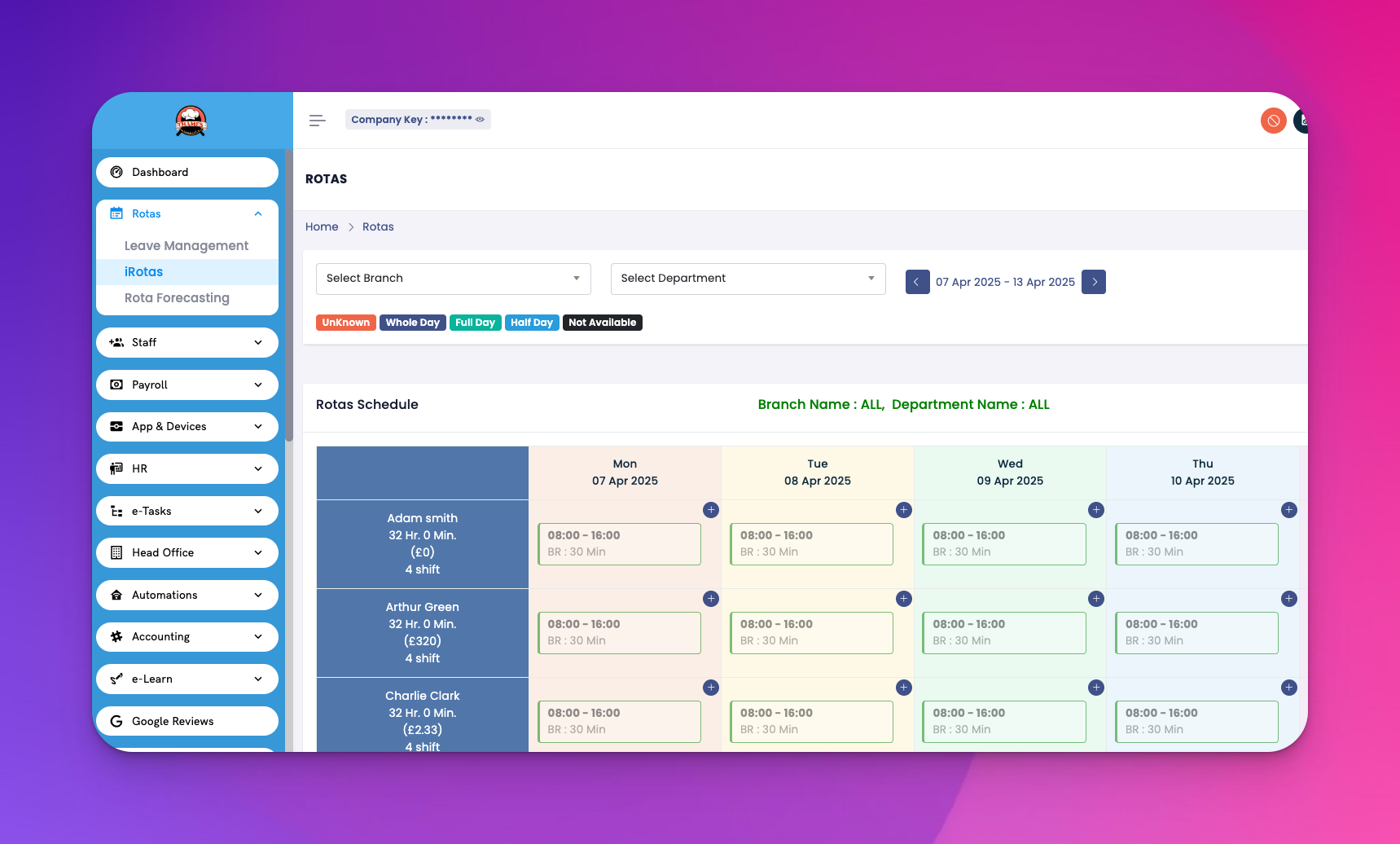
👉 Watch the full tutorial here:[IRota]
Learn how to create, edit, and forecast rotas using IRota.
Go to the IRota module from the main dashboard.
Select the location, department, or team.
Choose a week or date range.
Click Create Rota or Add Shift.
Assign employees to shifts with timings, roles, and notes.
Click Save or Publish when ready.
Click on any shift to edit details like time, employee, or role.
Use drag-and-drop to quickly move shifts between days or team members.
Copy previous week’s rota using the Copy Week option (if enabled).
View total hours and wage costs for the week.
Compare scheduled vs required staffing per shift.
Adjust proactively to avoid over- or under-staffing.
See real-time leave status and availability.
Prevent double-booking employees already on approved leave.
Allow managers to approve or deny shift swaps (if enabled).
Hospitality staff rotations
Healthcare shift planning
Call center or retail teams
Any business needing flexible, reliable rota planning
Use filters to quickly view specific roles or employees.
Encourage team leads to review rotas weekly for better accuracy.
Set up notifications so staff are alerted when shifts are published or changed.