The Training Manuals section allows you to upload important PDF documents such as safety procedures, customer service guidelines, or operational handbooks that are essential for staff development.
👇👇
[Training Manuals]
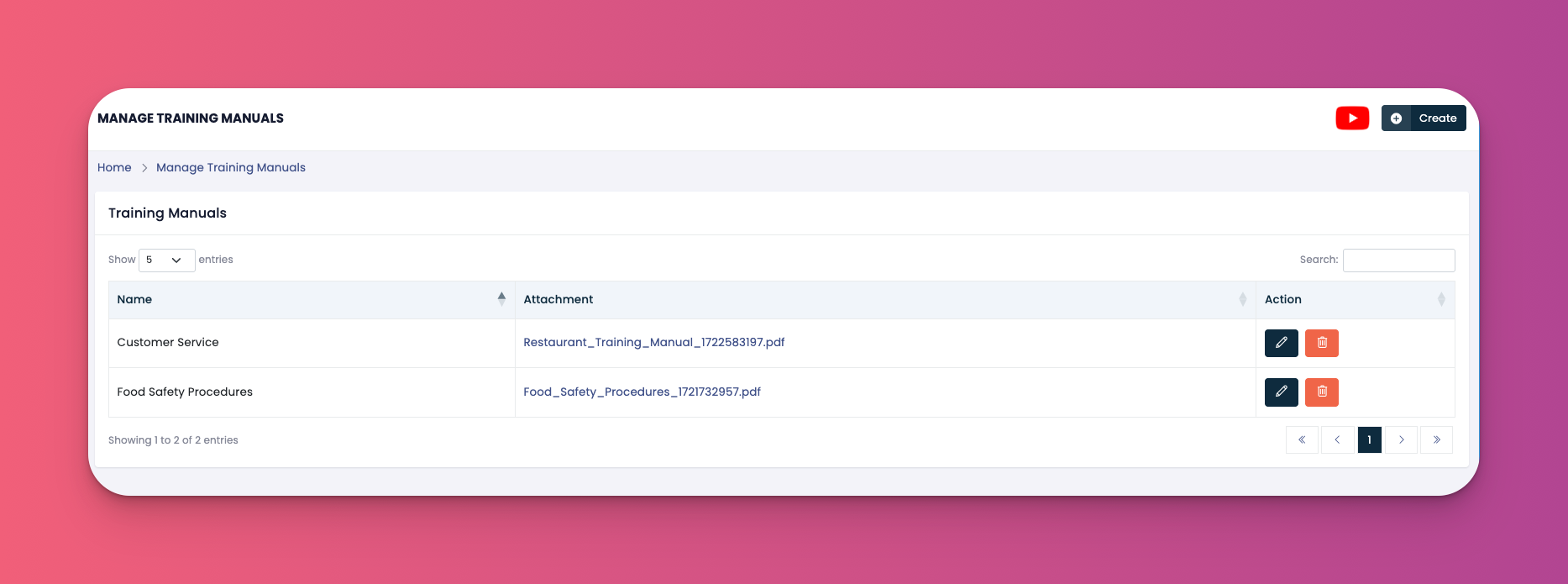
Go to: e-Learn → Training Manuals
📥 Upload Manuals: Upload any training material in PDF format
📝 Edit Manuals: Update manual name or replace the attached file
🗑️ Delete Manuals: Remove outdated or incorrect manuals
Click the Create button in the top right
Enter the Manual Name
Upload the PDF file under "Attachment"
Click Submit
✅ Tips
Use clear names so employees can quickly identify the relevant document
Only PDF files are supported for upload
Avoid using long file names with special characters
Q: Can I upload multiple manuals?
A: Yes, you can upload as many as needed, each with its own title and PDF.
Q: Can I preview a manual before saving?
A: No, currently you must download the file after uploading to verify.
Q: Who can view training manuals?
A: Only authorized users assigned the correct permissions in the system.