The HR Automation module simplifies handling of contract-based triggers for common HR issues, like repeated late attendance or unauthorized holidays. Automating these actions helps HR teams reduce manual follow-ups and ensure policy enforcement with less effort.
👇👇
[HR Automation]
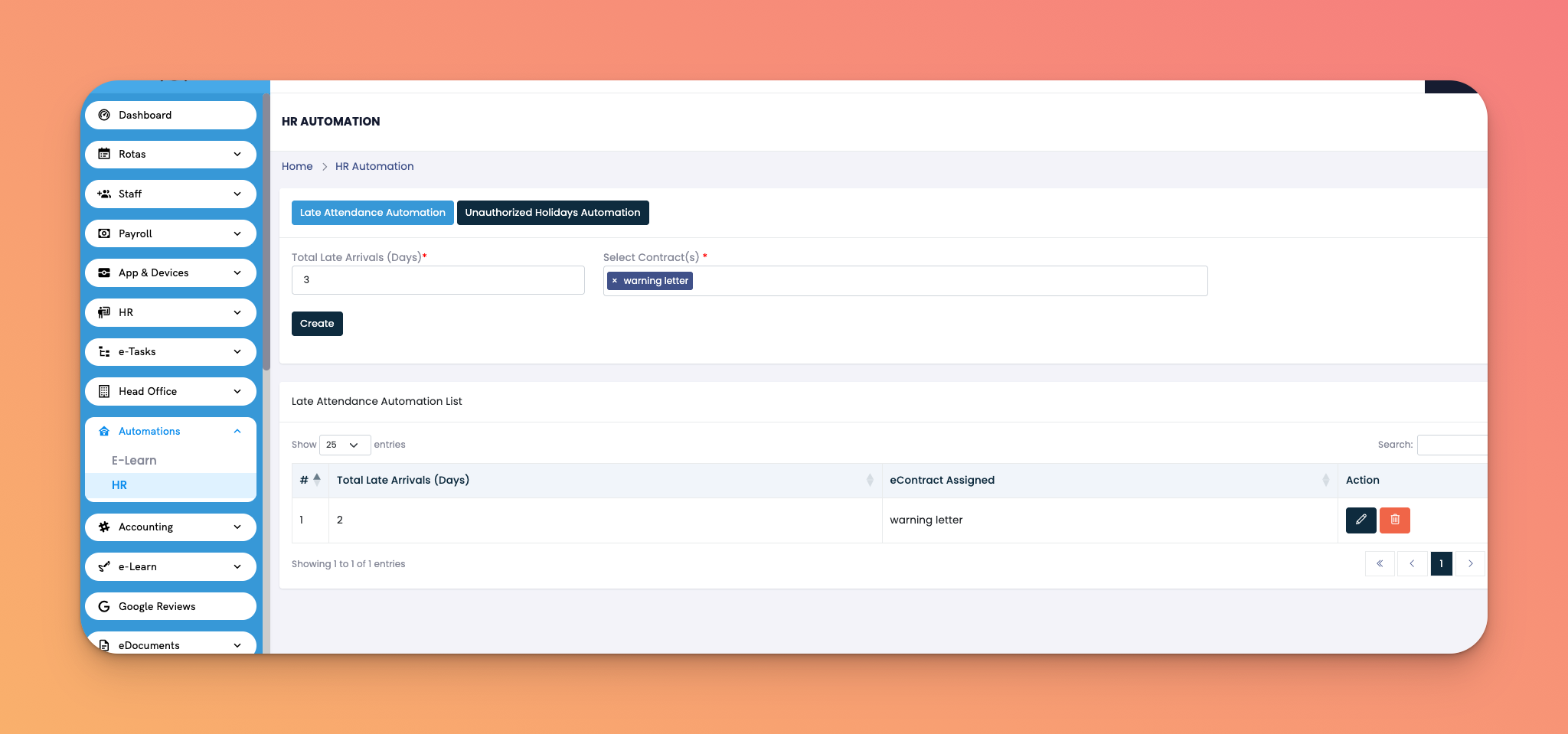
Go to: Automations → HR
Tabs:
Late Attendance Automation
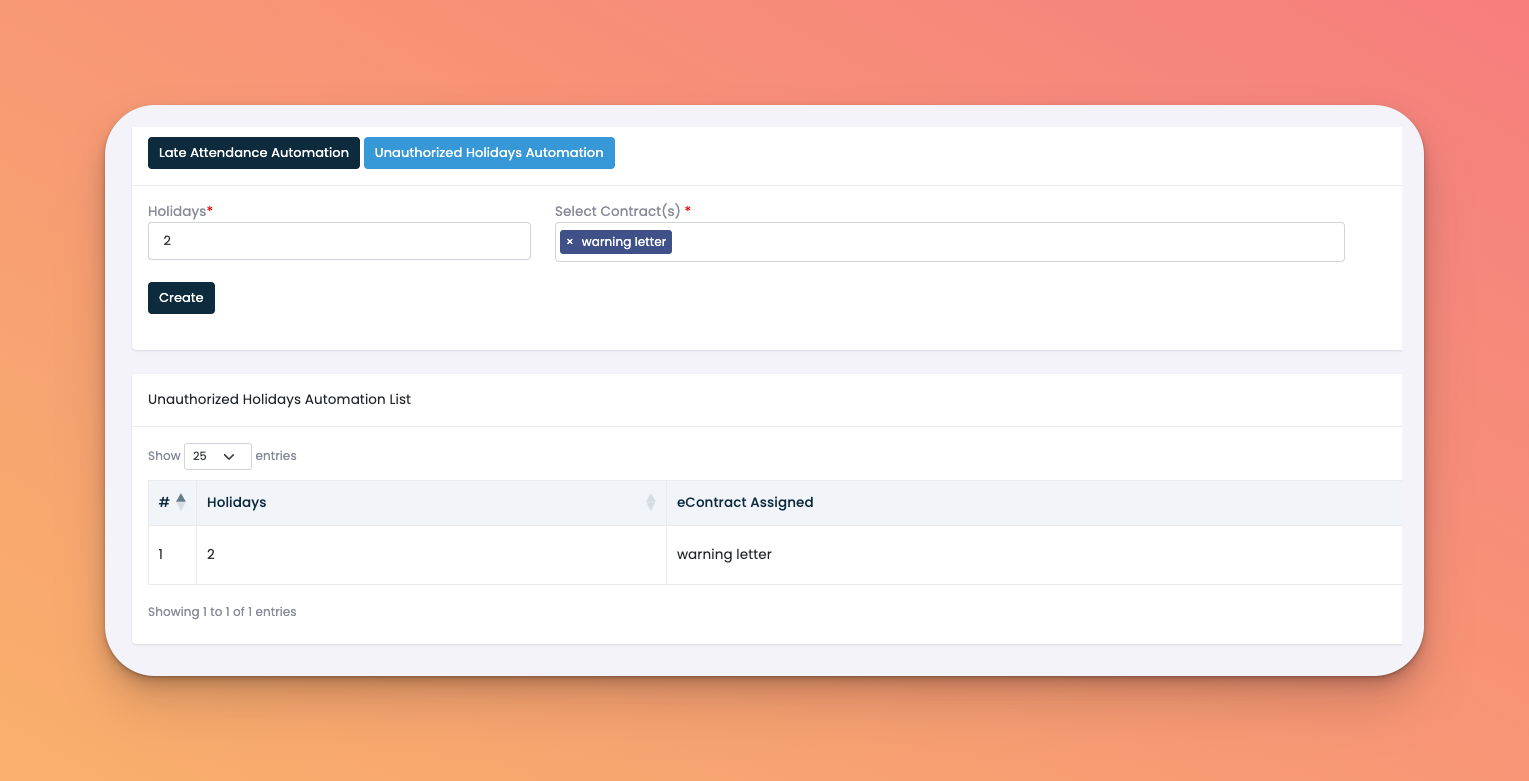
Unauthorized Holidays Automation
Trigger Condition: Input the total late arrivals (in days) required to activate the automation
Select Contract(s): Choose the specific eContract that will be assigned once the trigger is met
Action Column: ✏️ Edit or 🔚 Delete automation entries
Choose the type of automation:
Late Attendance – Triggers after a specified number of late arrivals
Unauthorized Holidays – Triggers after unapproved leaves
Enter trigger criteria (e.g., 2 days of late arrival)
Select the contract (e.g., Warning Letter) to be auto-assigned
Click Create
Use HR automations to auto-assign disciplinary documents
Keep criteria strict enough to enforce policies but fair for genuine cases
Helps prevent escalations by enforcing accountability early
Q: Can I assign more than one contract in the automation?
A: No, only one contract can be triggered per automation rule.
Q: Can I use custom contracts?
A: Yes, as long as they exist in your eContracts library.
Q: What if I want to change the criteria later?
A: Use the ✏️ Edit button to update trigger values or contract assignments.