The Compliance section in e-Tasks gives managers and admins a quick overview of how well branches and teams are meeting their checklist obligations. It highlights completion rates, missed tasks, and approval status to ensure accountability and adherence to SOPs.
👇👇
[Compliance]
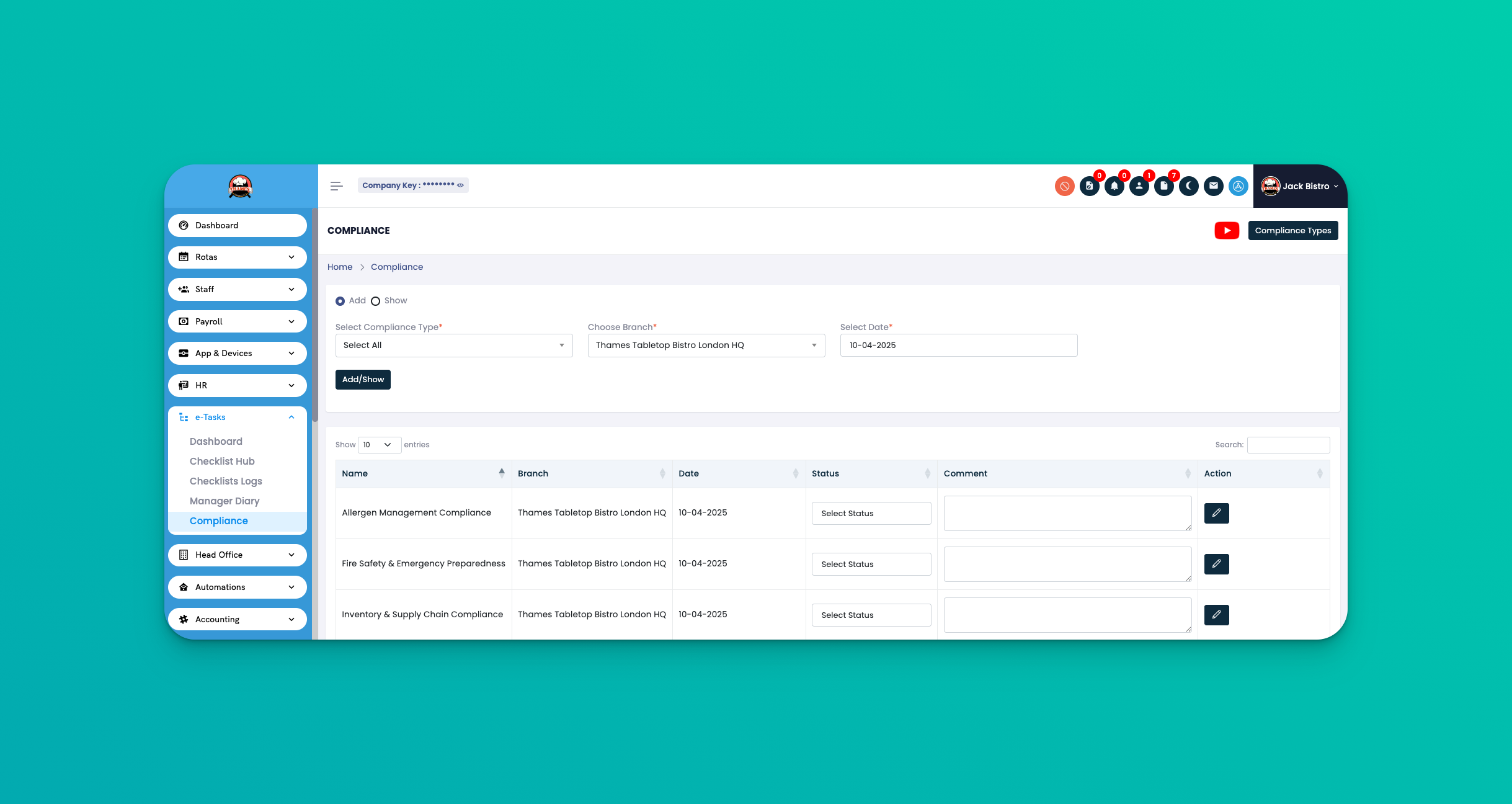
Go to: e-Tasks → Compliance
This page provides a weekly view across branches showing what checklists were completed, missed, and approved.
Week Selector – Choose which week to view compliance for.
Branch Filter – Narrow results to a single location.
Checklist Summary View – See all checklists assigned for that week.
Status Icons:
✅ Completed
❌ Missed
⏳ Pending Approval
🔓 Approved by Manager
Each checklist entry is linked to:
Branch name
Checklist name
Completion status
Manager approval status
Use this weekly to spot performance issues before they escalate.
Follow up on any checklists still marked as Pending.
Use the branch filter when focusing on underperforming locations.
Q: How often is the compliance view updated?
A: It updates in real time as checklists are submitted and approved.
Q: Can I export this data?
A: Not from the compliance page directly. Use the Checklist Logs section for export options.
Q: Who can view the compliance screen?
A: Only managers and admins with reporting permissions can access this view.