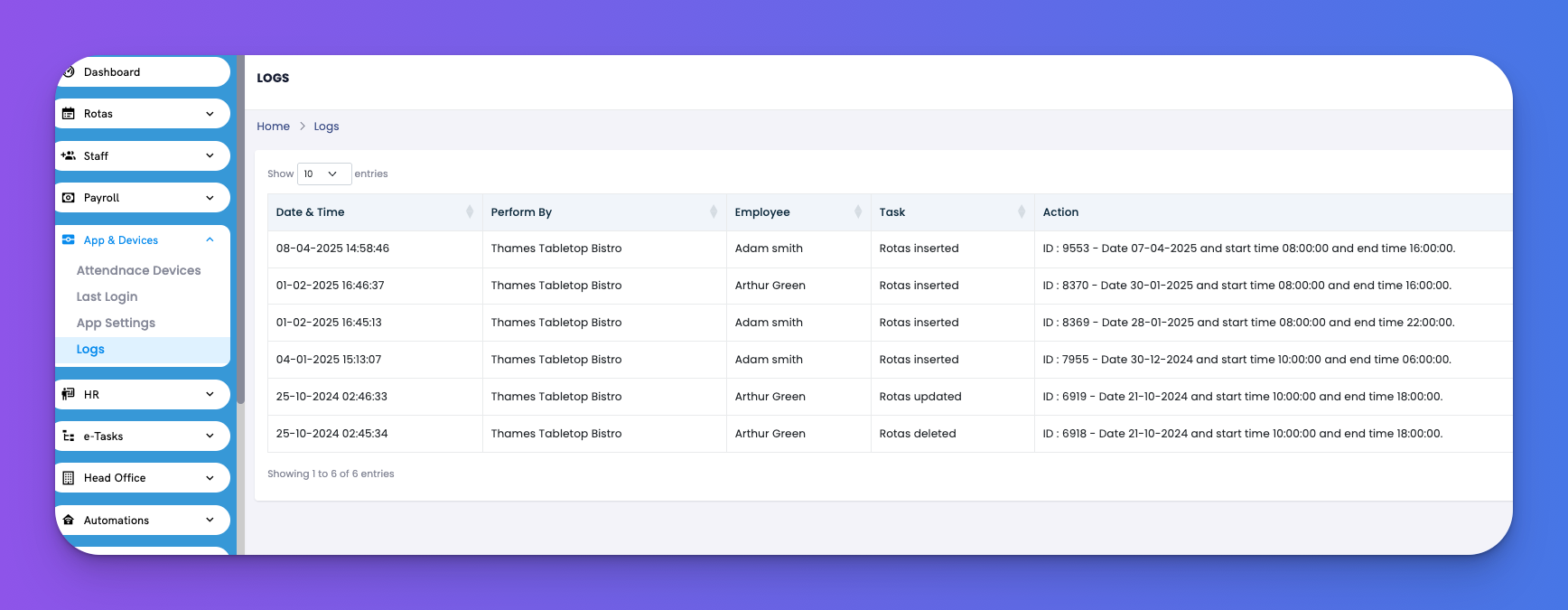
Get full visibility into all app-related actions performed by users.
Navigate to: App & Devices → Logs
Fields Included:
Date & Time – When the action occurred
Perform By – Company performing the task
Employee – Name of user
Task – Type of action (inserted, updated, deleted)
Action – Detailed description (e.g., rota changes)
✅ Tips
Great for accountability and resolving disputes.
Helps HR trace back specific actions done in the system.