🎥 Video Tutorial
👇👇
[Assigning Contracts]
Streamline employment contracts by assigning them directly within the eHubt Mobile App.
Manager Hub
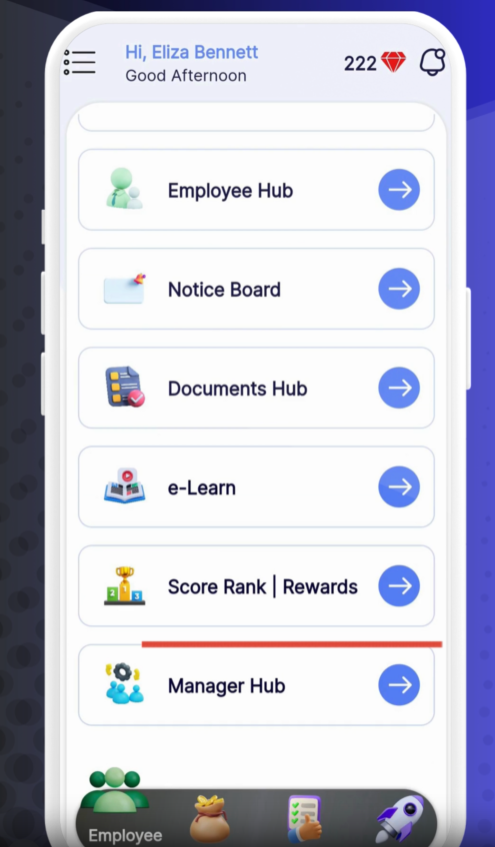
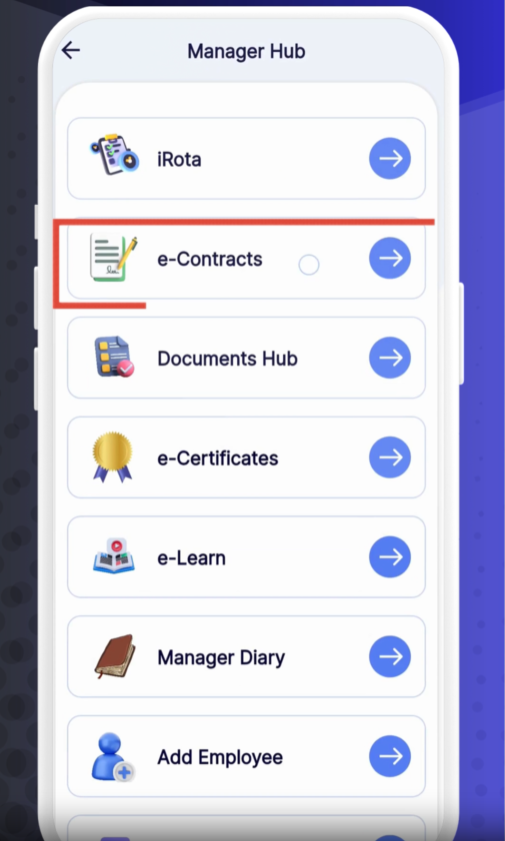
Tap Manager Hub from the main menu.
Contracts
Select Contracts.
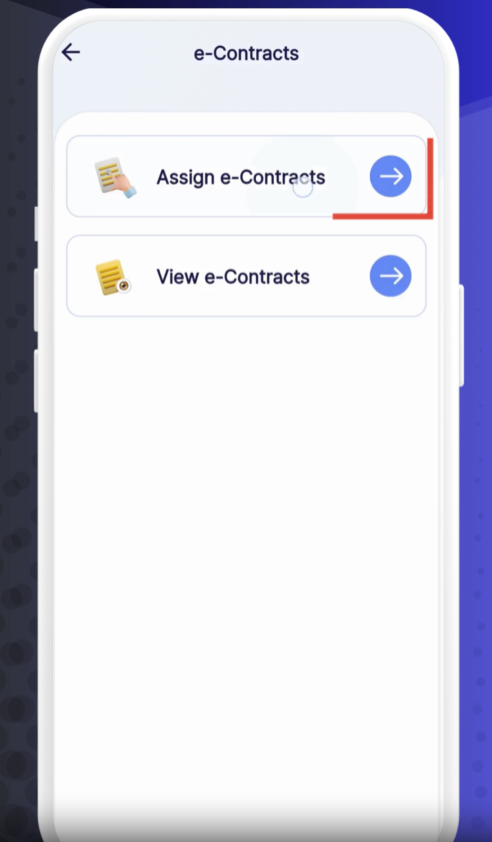
Assigned Contracts
Tap Assigned Contracts to manage existing or create new assignments.
Add Signature
Tap Add Signature and draw or upload your digital signature.
Select Contract Template
Tap Contract and choose from your saved templates (e.g., Employment Agreement, NDA).
Choose Branch & Employee
Branch: Select the location where the employee will work.
Employee: Pick one or multiple employees to receive this contract.
Set Dates
Start Date: When the contract becomes effective.
End Date: Specify an expiry date, or toggle No Expiry for an open-ended contract.
Assign vs. Send
Assign: Save the assignment without immediately emailing the contract.
Assign & Send: Save and automatically send the contract via email or in-app notification.
Complete
Tap Assign & Send (or Assign) to finalize.
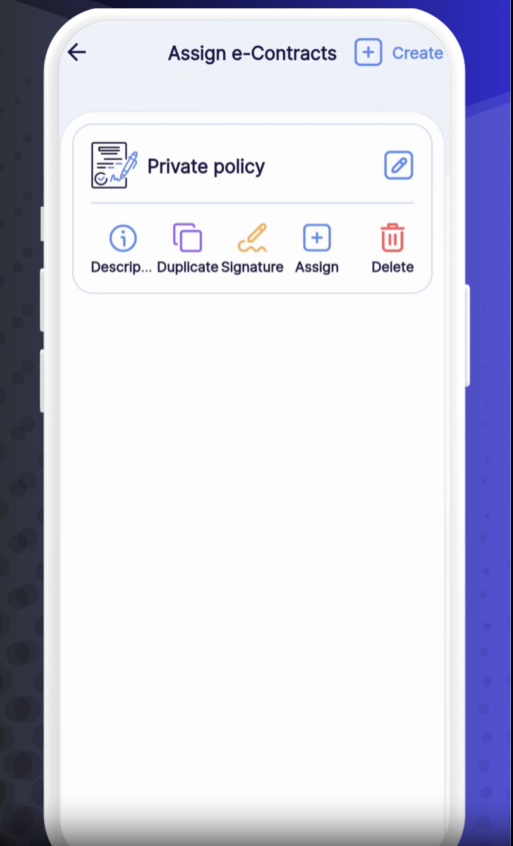
Assigned Contracts List: View all active assignments, their status (Sent, Signed, Pending), and key dates.
Actions:
✏️ Edit: Modify dates or recipients.
🗑️ Delete: Remove an assignment.
👁️ View: Preview the full contract document.
🔄 Rename: Change the assignment label for clarity.
Batch Assign: Select multiple employees at once for group contracts.
No Expiry: Use for evergreen agreements (e.g., company handbook acknowledgment).
Track Signatures: Monitor who has signed and send reminders to outstanding recipients.
❓ Need Help?
If you have questions or encounter any issues, visit our Help Center at desk.ehubt.io or contact your HR