🎥 Video Tutorial
👇👇
[Viewing Asset Maintenance Logs]
Quickly review the full maintenance history for any company asset in the eHubt Mobile App.
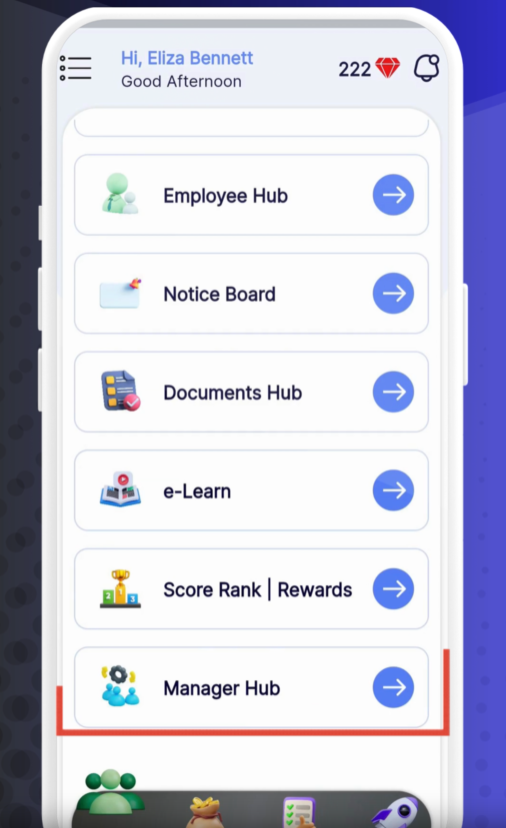
Manager Hub
Tap Manager Hub from the main menu.
Assets
Select Assets.
Maintenance Log
Tap Maintenance Log to open the history view.
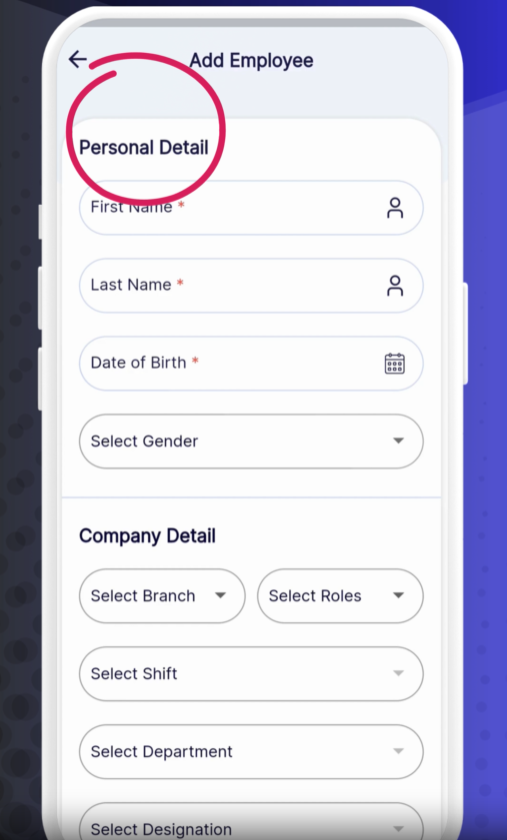
For each maintenance entry, you’ll find:
Asset Serial Number
Asset Name
Asset Image
Asset Description
Original Asset Cost
Maintenance Cost for each service
Repair History with dates and notes
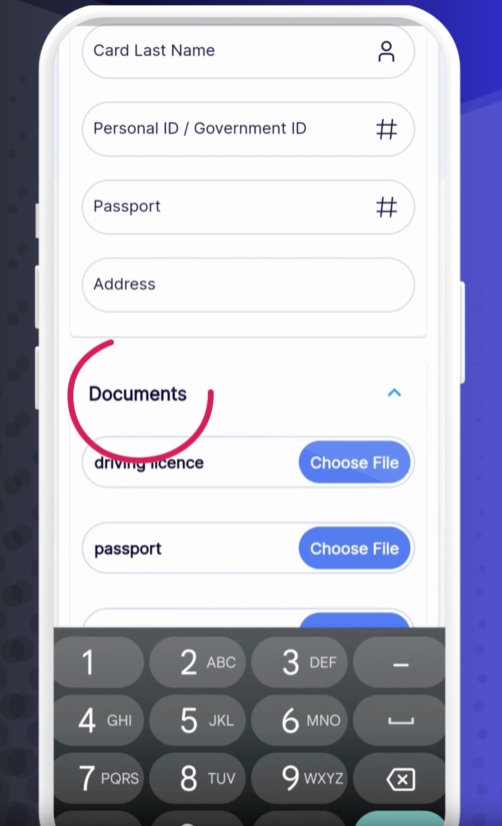
Filter by Date or Asset: Use the search bar to locate specific logs quickly.
Download Reports: Tap the export icon to save a PDF of the maintenance history.
Add Notes: Managers can append comments on each repair for full context.
❓ Need Help?
If you have questions or encounter issues, visit our Help Center at desk.ehubt.io or contact your manager.