The Settings module allows administrators to configure essential system-level and company-wide options, including branding, timezones, currency, email preferences, access control, and company policies.
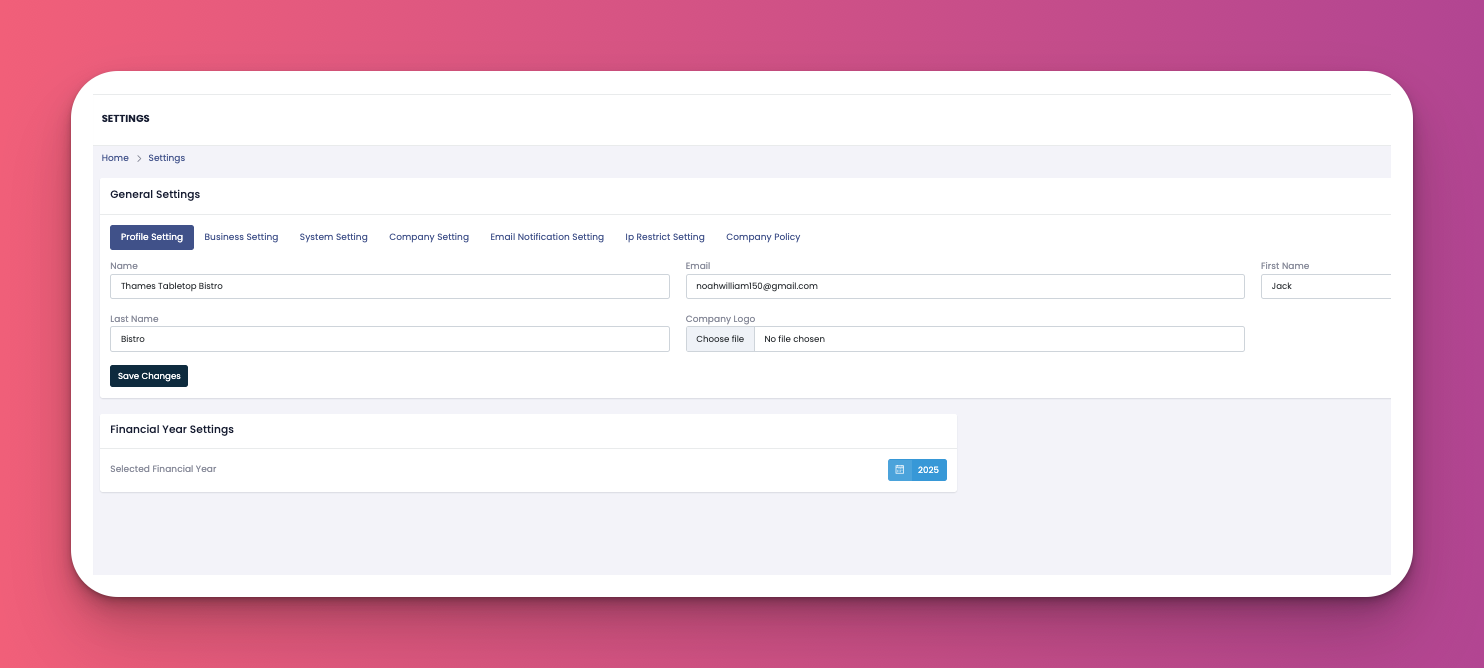
This tab lets you manage your account and display information.
Name, Email, and Full Name fields for the user profile.
Company Key and Company Name are shown at the top.
Allows uploading a profile photo/logo.
You can update and save changes anytime using the "Save Changes" button.
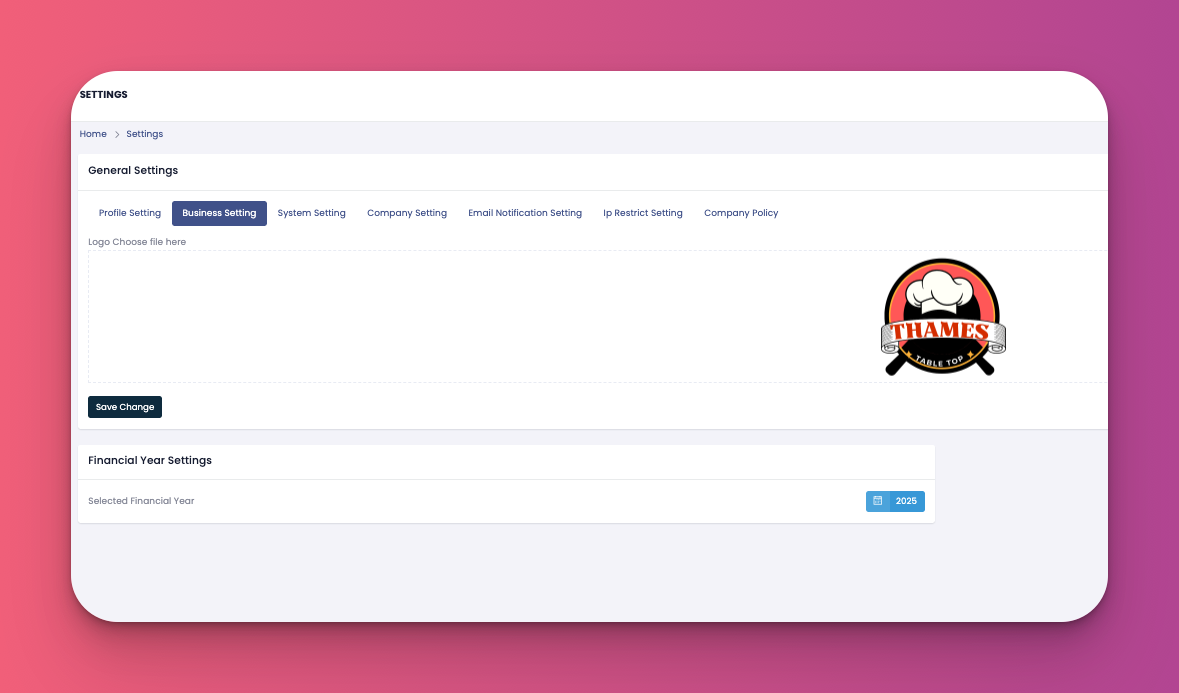
This section is for uploading your business branding.
Upload the official company logo to be used across reports and email headers.
Ensure it meets the recommended image size and format for best display.
Click "Save Change" after uploading.
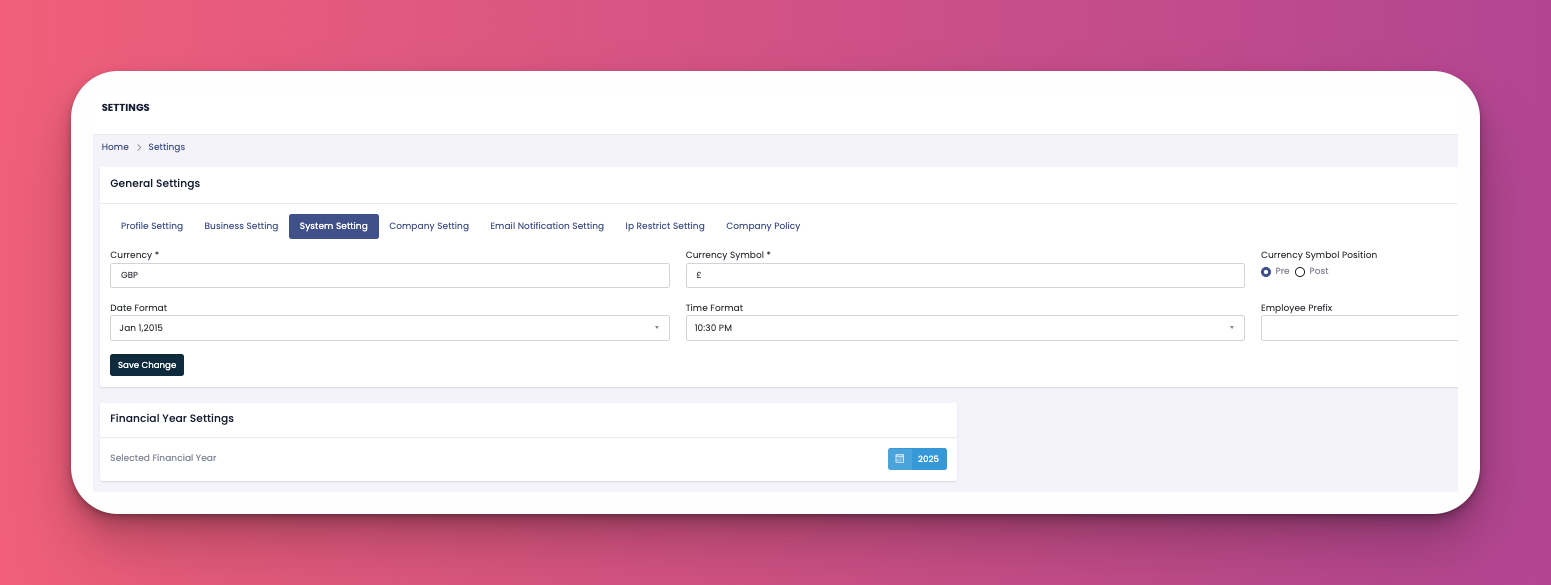
Configure key global settings here.
Currency & Symbol (e.g., GBP and £).
Date Format and Time Format.
Currency Symbol Position (Pre/Post).
Optional Employee Prefix.
Ensure to click "Save Change" to apply.
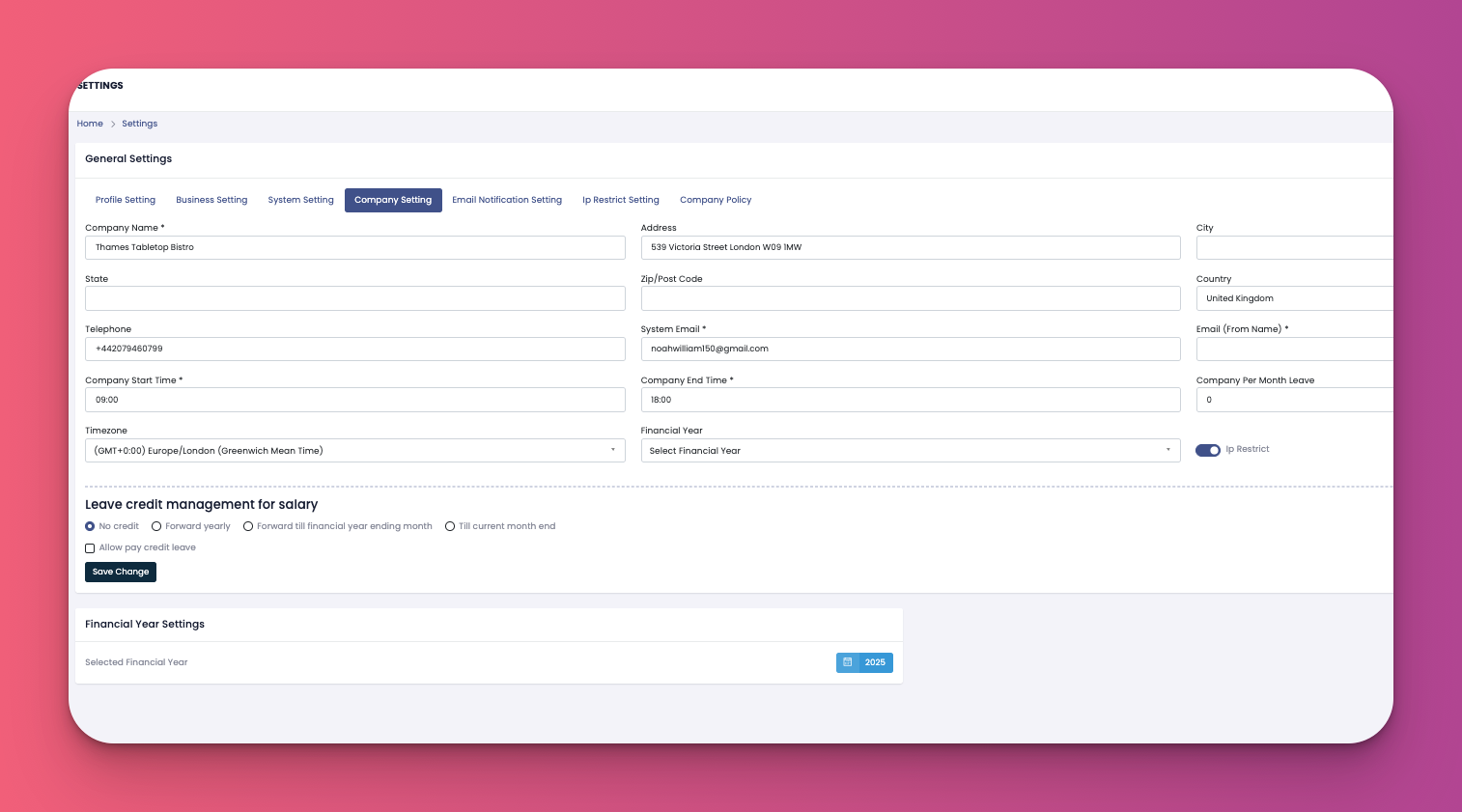
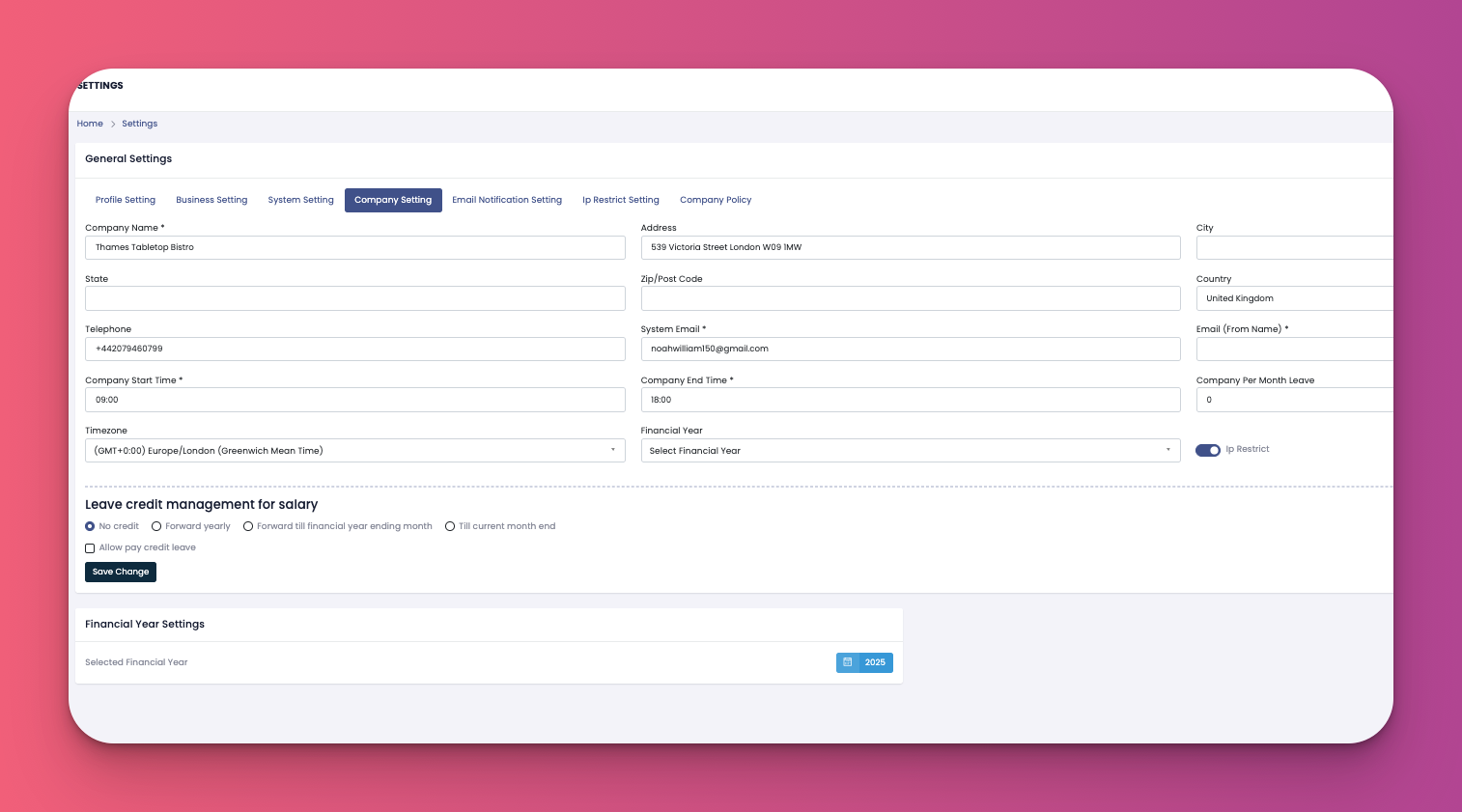
This area manages your business identity and operational timing.
Add Company Name, Address, City, State, Country, Post Code, and System Email.
Define Company Start & End Time (e.g., 09:00 to 18:00).
Set Time Zone for all system logs.
Enable IP Restriction for login security.
Choose your Financial Year.
Configure Leave Credit Management preferences (e.g., No credit, Forward yearly, or Till current month end).
Click "Save Change" to finalize.
Manage how and when notifications are sent.
Currently, no data shown in the image.
Presumably used for configuring templates or SMTP/API email channels.
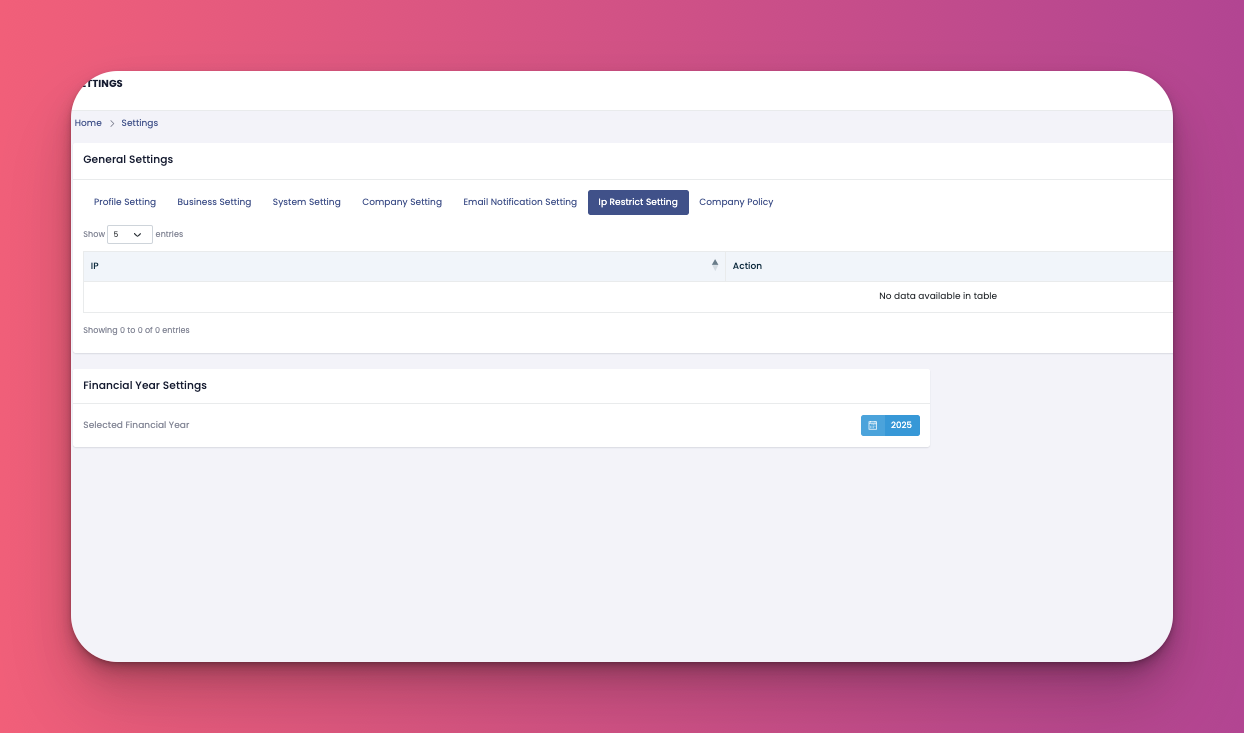
Allows restricting access to specific IP addresses.
Displays a list of allowed IPs (currently none listed).
Useful for securing system access only from permitted locations.
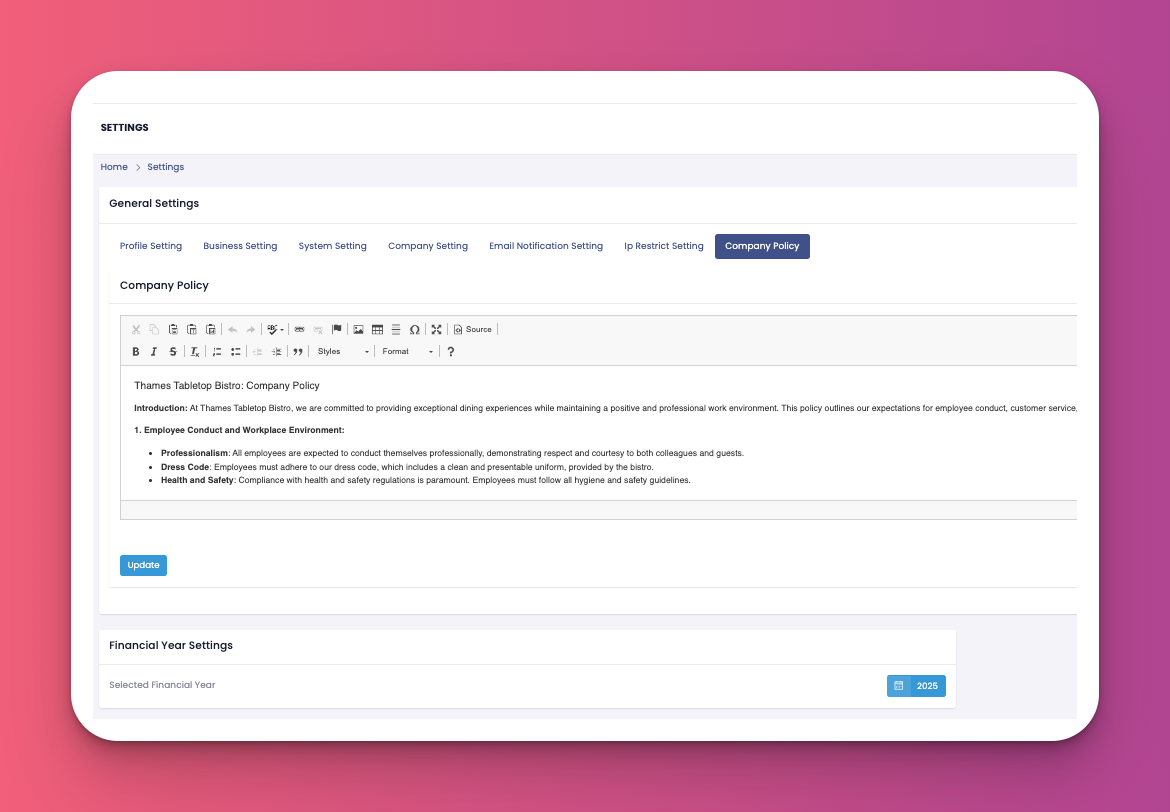
Define and format your organization’s HR and conduct guidelines.
Rich text editor available for:
Introduction to your values.
Professionalism, Dress Code, Health & Safety, and more.
You can update the policy using the editor and click "Update" to save.