This section stores uploaded documents for employees such as passports, ID cards, or education certificates, along with their validity dates.
View documents uploaded for each employee
Track expiry dates to ensure timely renewals
View document files by clicking on the View link
Edit or delete uploaded records if needed
Each record includes:
Document Type – e.g., Passport, ID Card
Branch – The employee’s workplace
Department – The employee’s assigned department
Employee – The name of the document holder
Start Date – When the document became valid
Expiry Date – When the document expires
Other Details – Any additional notes
File – Clickable View link to see the uploaded file
✏️ Edit – Modify the uploaded document details
🗑️ Delete – Remove the document record from the system
Use the expiry date to set reminders for document renewal.
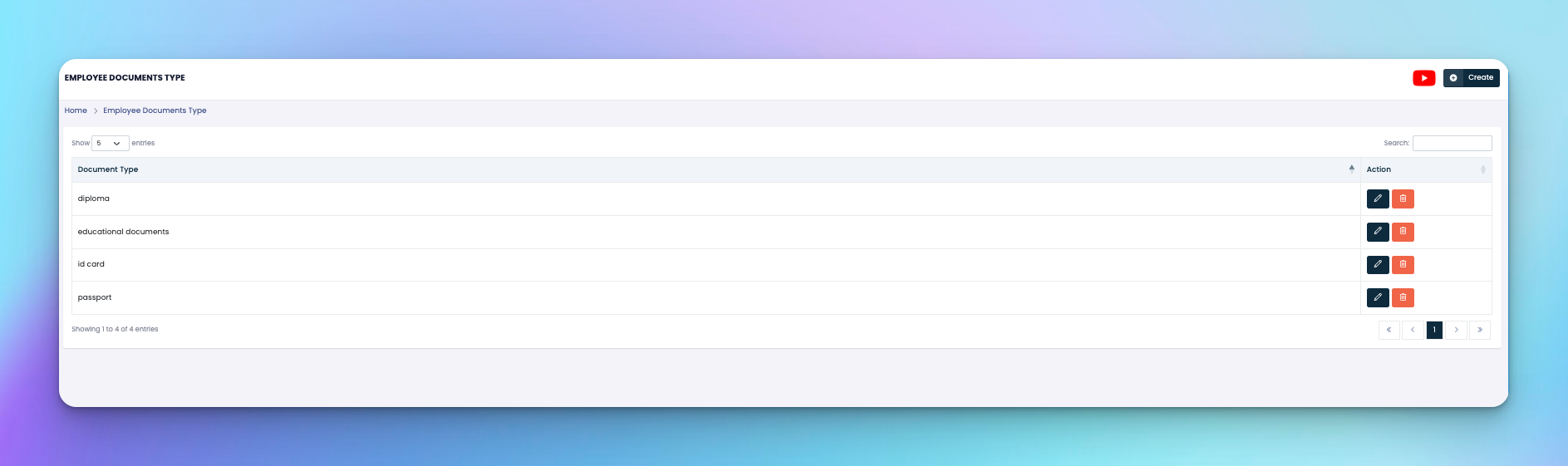
Ensure document types are standardized via the Employee Document Types section.
Upload only relevant documents per your HR policy.